

green screen video production san francisco
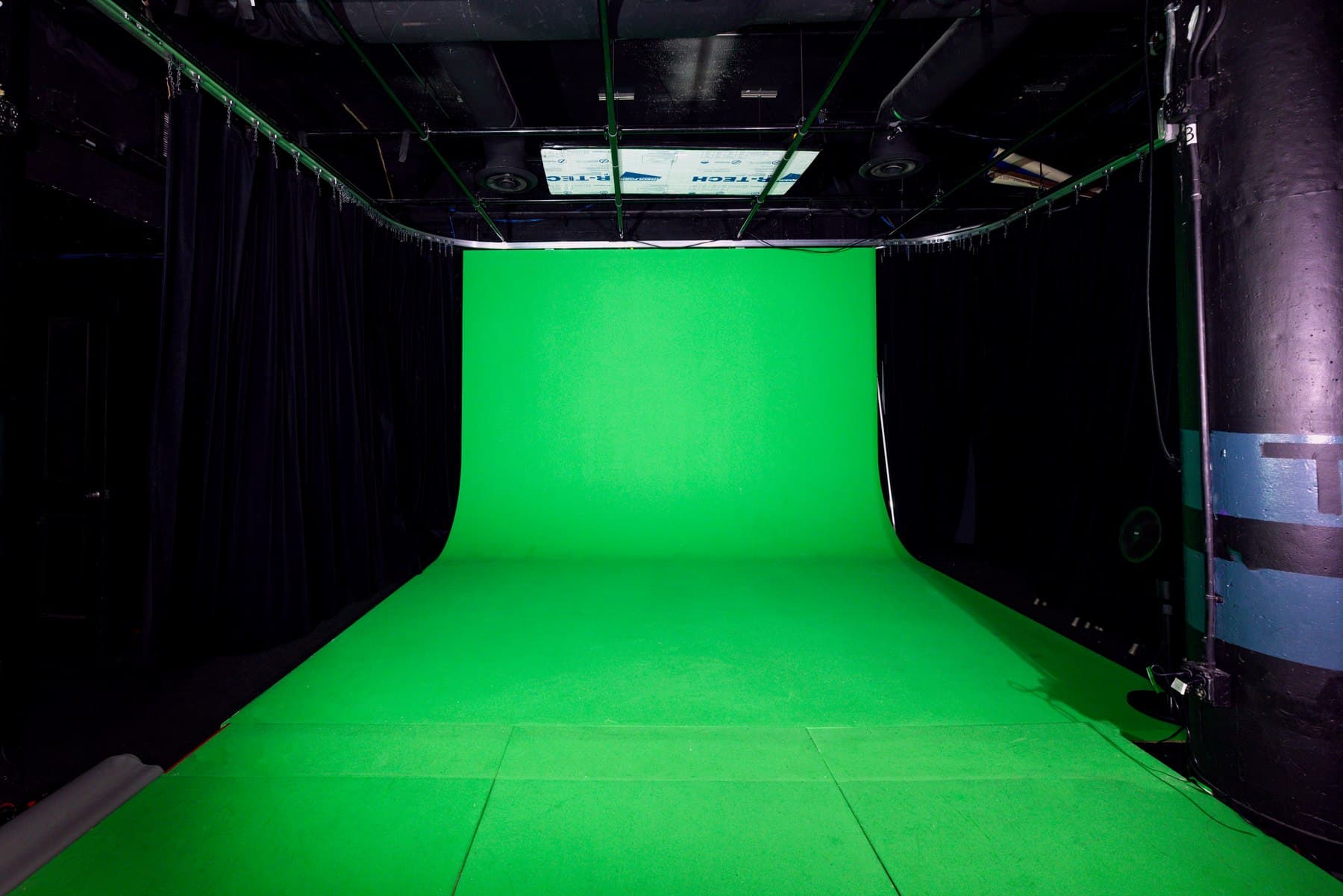
Green Screen Video Studio SF
For explainers, training videos, virtual sets, commercials, product demos, and brand content where the final environment will be built in post.
Best first room
Green Screen Studio
Starting point
$100/hr
Audience
Video teams / Course creators
01
Best first decision
Know the final background before you choose framing, eyeline, wardrobe, and blocking.
02
Biggest risk
Treating green screen like a normal backdrop creates spill, bad edges, and expensive post fixes.
03
Most useful upgrade
Capture clean plates, reference stills, and a wider safety pass for the editor.
Production read
The room choice should protect the asset, not only hold the crew.
Green screen is more than a green wall. It is a post-production decision. The shoot has to protect clean edges, consistent lighting, proper distance from the background, and enough reference material for the editor to build the final world without fighting the footage.
Use this path when
- Training videos, explainers, app demos, or course content with designed backgrounds
- Commercial shots where the subject needs to live inside a product world or graphic system
- Teams that already know what the editor or motion designer needs after the shoot
Choose another path when
- Shoots that simply want a clean minimal background with no post compositing
- Wardrobe-heavy concepts with reflective materials, green clothing, or transparent props
Room sequence
Start with the room that removes the most risk.
01
Green Screen Studio
Best for virtual backgrounds, keyed explainers, corporate training, product demos, and commercial composites.
$100/hr
02
Encore
Best for productions that want a podcast-style set with green screen flexibility and crew-supported capture.
$300/hr
03
Canvas Rental
Better than green screen when the final look should stay clean, white, and real instead of replaced in post.
$100/hr
Session architecture
A clean day has an order.
01
Reference check
Review the final background or storyboard so camera height, subject direction, and eyeline make sense.
02
Wardrobe and prop check
Remove green, reflective, transparent, or edge-heavy materials before they create post-production problems.
03
Principal capture
Record the planned takes with talent far enough from the screen to reduce spill and protect clean edges.
04
Post safety pass
Capture clean plates, still references, wider takes, and any empty-frame material the editor may need.
Producer prep
01
Decide the final background before filming
A virtual office, app interface, animated world, product render, and talking-head plate all need different eyelines and framing. Bring references so the footage matches the composite instead of forcing the editor to improvise.
02
Protect the key
Avoid green wardrobe, reflective props, transparent materials, and unnecessary floor contact. Talent should have space from the screen so spill does not wrap around hair, shoulders, or product edges.
03
Shoot the editor safety material
Capture clean plates, a few wider takes, still references, and a locked-off moment with the same lighting. Those small pieces can save hours in post when the composite gets built.
Bring before arrival.
- Bring mockups or reference frames for the final background, not a verbal description.
- Confirm final aspect ratios before filming: 16:9, 9:16, square, paid ads, or all of the above.
- Avoid green wardrobe, reflective jewelry, glossy props, and translucent products unless the effect is deliberate.
- Tell the editor what will be captured so they can ask for safety material before the shoot is over.
Protect against.
- Spill and edge problems are invisible on the set monitor. They surface as hours of cleanup once the key is pulled.
- Footage framed for one composite rarely survives a different one. A late background change can strand the whole shoot.
- Avoid last-minute prop changes that create reflections or difficult edges.
Outputs
The session should leave with assets that can travel.
Training modules, explainer videos, and internal communications
Product demos with UI, motion graphics, or virtual environments
Commercial shots that require a replaced or designed background
Clean plates and reference frames for the post-production team
Questions
Before you book.
What is green screen best for?
Green screen is strongest when the final background needs to be replaced or built in post: virtual sets, explainers, training videos, commercials, and product demos.
Is green screen better than white cyc?
Choose green screen when you need compositing. Choose white cyc when you want a clean, real, minimal background without replacing it later.
Next move